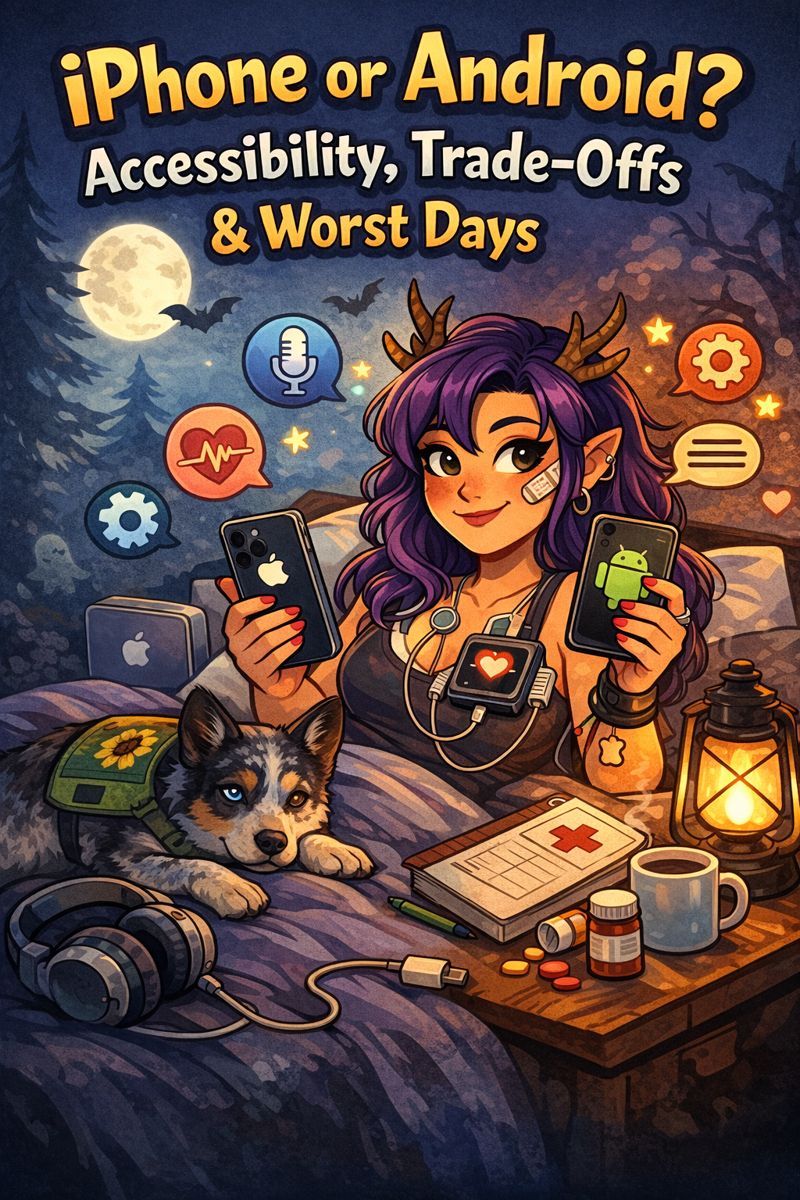
Content note: This post includes brief, non-graphic references to medical events such as seizures, cardiac monitoring, and a car accident, discussed in the context of accessibility and technology.
🥄 Quick Spoons TL;DR
- Accessibility = personal. It’s about how a device supports you on your worst days.
- Samsung / Android: Deep customization, control, precision. Great if you know exactly what you need.
- iPhone / iOS: Consistency, simplicity, better medical/emergency integration. Great if energy, cognition, or mobility fluctuate.
- Voice & dictation: Samsung = tools, iPhone = forgiving ease.
- Visuals: Samsung = tweak everything, iPhone = reliable and consistent.
- Haptics & alerts: iPhone = clearer cues, especially for emergencies.
- Shortcuts & automation: Samsung = expertise-friendly, iPhone = low-energy friendly.
- One-handed/physical use: Android usually wins for joint/hand fatigue.
- Overall: Neither is “better.” The best device is the one that asks less when you have less to give.
Welcome Back to the Cryptid’s Den
Welcome back to The Crippled Cryptid, where disability, chronic illness, service dogs, and everyday sorcery gather under one soft lamp like friendly ghosts trading survival tips.
If you’re new here, hi. I’m Sky.
Professional cryptid.
Reluctant amateur cyborg.
Currently accessorized with a six-day heart monitor and a medical chart thick enough to cause some serious emotional damage.
I live in a haunted meat suit with a warranty that expired somewhere around the turn of the century.
Returning cryptids, welcome home.
New arrivals, welcome to the Lunatic Café.
Before we jump into things:
- Have you eaten anything yet today?
- Have you drank water?
- And no- coffee does not constitute as a meal or water.
Today’s post is a little different.
This is not a rant. Not a ranking.
Not a tech bro showdown with crown emojis and spreadsheets.
Today, we’re talking about switching species.
If you’re low on energy, feel free to skim to the sections that matter most to you. There’s no quiz at the end.
There’s a specific moment when you change phone ecosystems where your muscle memory stages a rebellion. Your thumb reaches for a button or gesture that no longer exists. Your settings app feels like a maze rearranged overnight by a trickster god. A device that once felt like an extension of your nervous system suddenly behaves like a strange little creature with unfamiliar instincts.
I know that moment all too well.
For years, I lived in the Samsung Galaxy ecosystem. Android was my native habitat. Customizable. Flexible. Deeply tweakable. Then, around June, I switched species and adopted my first iPhone.
Those of you who know me well are probably clutching your pearls right now, but the truth is far less dramatic than brand loyalty betrayal. AT&T was trying to raise my bill again, and when you’re paying nearly $400 a month for three phone lines plus some highly sketchy home internet with even sketchier speeds, you expect to feel supported. I didn’t.
T-Mobile offered three lines, unlimited everything, home internet, covered streaming services, and an iPhone 16 Pro for under $300. I figured it was worth a try.
Worst case scenario, the iPhone lived in a drawer.
Best case scenario, I loved it and M&M inherited my Samsung Galaxy S22 Ultra.
But let me be very clear about something before we go any further.
This is not a “which phone is better” post.
It isn’t even a middle finger to AT&T or an “I love T-Mobile” post (trust me, I’ve thought about it).
Accessibility doesn’t crown universal winners. It reveals trade-offs.
What helps one body can hinder another. What feels empowering to one brain can overwhelm the next.
This is a field guide, written from the perspective of a disabled user with chronic illness, fatigue, brain fog, joint instability, mobility limitations, and a service dog at my side. From someone who has lived comfortably on both sides of the fence and genuinely loved both ecosystems.
Ironically, one has become my favorite. That answer isn’t permanent. Bodies change. Needs change. Mine already have.
It just wasn’t the one I expected.
🧠 Accessibility Is Personal, Not Theoretical
Before we talk features, it’s worth saying this plainly:
Accessibility isn’t about specs.
It’s about how a device behaves on your worst days.
- Can you use it when your hands shake?
- When your vision blurs?
- When thinking feels like wading through molasses?
- When you need help quickly and can’t afford friction?
Smartphones are no longer optional gadgets. They’re communication tools, medical hubs, navigation aids, emergency lifelines. When devices cost over $1,000 outright, or hundreds more through installments, choosing a phone isn’t just about preference. It’s about sustainability, contracts, and what your body can afford to fight with every single day.
If you take nothing else from this post, take this:
Accessibility isn’t about what a device can do at its best. It’s about how it supports you when you’re at your worst.
🗣 Voice Control & Dictation
Samsung / Android
- EXTREMELY customizable. All caps. Every time.
- Themes can completely recode the phone, changing fonts, icons, and layouts until it feels truly lived in, like your favorite hoodie.
- Strong Google Assistant integration.
- More granular control over commands.
- Powerful, but potentially complex.
iPhone
- Dictation feels smoother and more accurate for me overall.
- Voice Control is deeply integrated across the operating system.
- Minimal setup required to be functional.
- More intuitive during high-fatigue moments.
My experience:
Samsung gives you tools. iPhone gives you ease.
On days when my brain fog is thick, iPhone’s dictation feels more forgiving. I don’t have to remember exact phrasing.
It meets me where I am. Not where it wants me to be.
Neither approach is wrong. They just serve different nervous systems.
👁 Visual Accessibility & Text Scaling
Samsung / Android
- Superior customization of fonts, sizes, and contrast.
- More freedom to alter system-wide visuals.
- Excellent for users who know exactly what they need.
iPhone
- Text scaling works more consistently across apps.
- Better uniformity between system and third-party applications.
- Less “why is THIS app ignoring my settings” frustration.
My experience:
Samsung wins for control.
iPhone wins for consistency.
Android rewards users who enjoy tweaking.
iPhone rewards users who don’t want to think about it. Or maybe can’t, and instead of punishing you, it says, “I see you.” And I love that.
📳 Haptics, Alerts & Sensory Feedback
Samsung / Android
- Wide range of vibration patterns.
- Highly adjustable notification behaviors.
- Can become sensory-overwhelming if not carefully managed.
iPhone
- Haptics feel intentional and distinct.
- Emergency and system alerts are harder to miss.
- Less customizable, but more purposeful.
My experience:
- Car accident, Oct 22, 2025: iPhone detected the crash and called 9-1-1 automatically.
- Dec 11, 2025, day before my second seizure: Apple Health flagged declining steadiness, likely to remain unstable.
iPhone’s haptics feel like communication, not noise.
That matters when tactile cues matter more than auditory ones.
Especially when you keep your phone on mute as much as I do.
🚨 Emergency Features & Medical Integration
iPhone
- Medical ID easier to access and more visible.
- Apple Health centralizes medications, symptoms, and health data.
- Medication reminders bypass Focus/Do Not Disturb.
- Logs can be exported for providers.
- Emergency SOS streamlined and reliable.
- Strong integration with Apple Watch (fall detection, heart rate alerts).
Samsung / Android
- Capable, but more fragmented.
- Relies more on third-party apps.
- Setup can be more involved.
My experience:
iPhone feels like it was built with medical vulnerability in mind. Not as an afterthought. As though someone with medically fragile loved ones said, “I want you to be safe.” That matters to me.
When your body occasionally throws emergencies into the mix, that mattered more than I expected. A lot more.
🧩 Shortcuts, Automation & Cognitive Load
Samsung / Android: Powerful, but steep learning curve.
iPhone / iOS: Easier to build basic automations, visually guided, less intimidating when energy is low.
My experience:
Samsung rewards expertise. iPhone rewards exhaustion.
Fewer decisions feel like accessibility.
✋ One-Handed Use & Physical Fatigue
Samsung / Android: Excellent one-handed modes, customizable gestures.
iPhone / iOS: Reachability helps, but gestures need more precision; case choice matters.
My experience:
Samsung still wins here. For joint instability, hand pain, or limited grip, Android’s one-handed tools are better.
🌱 What Surprised Me Most
I expected to miss customization.
I did. Dragon theme on Samsung = emotional attachment.
iPhone got a cute chonky mothman vibe. Less options, but less overwhelming.
Energy saved: Less troubleshooting. Less adjusting. Less fighting the device on bad days.
It doesn’t make it “better”-just different.
🧭 So… Which One Is “Better”?
Neither. Both.
Choose Samsung / Android if you:
- Want deep customization.
- Know exactly how your device should behave.
- Enjoy shaping systems to suit your body.
Choose iPhone / iOS if you:
- Need consistency and simplicity.
- Have fluctuating energy/cognition.
- Rely on medical integrations and emergency features.
Accessibility isn’t a finish line.
Sometimes you need a tool you can shape.
Sometimes you need a tool that holds you steady.
🐉 Final Field Notes from the Cryptid
Switching phones wasn’t about upgrading hardware. It was about migrating ecosystems and noticing which one asked less when your body already asks too much.
- Samsung Galaxy Buds Live didn’t mesh with me (or iPhone). Over-ear headphones = migraine-safe, clunky, nostalgic fun.
- Old iPad syncs seamlessly; AirDrop doodles and drafts = bliss.
Neither phone is better. Neither worse.
The most accessible device is the one that demands the least of you on the days you have the least to give.
If you’ve used one or both ecosystems, I’d love to know what worked for your body. Accessibility is communal knowledge.
And if you have app advice- whether it’s health app advice, or just advice on what apps make you happy, definitely let me know!
Love you, now say it back. 💜
And if like me, you’re struggling- holidays, Bed Jail™, whatever- just know it will get better. I promise.
-Sky
© The Crippled Cryptid– Disability, honesty, and a little chaos.
https://linktr.ee/skylanarissa
Zero pressure to donate, but sharing or reading means the world.
Support Sky’s Journey to Health and Mobility: https://www.gofundme.com/f/support-skys-journey-to-health-and-mobility


Leave a comment